A note on tool selection: Every tool listed here is free at its core functionality level. We only teach tools that work without a paid subscription for the features a small business needs. This page is updated when tools change their pricing.

Invoicing & Receipts
Mobile Billing Apps (Facturación Móvil)
Free Android and iOS apps that connect to AFIP to issue official invoices (Facturas A, B, C) directly from your phone. You configure your CUIT, fiscal address, and product catalog once — then issue invoices in under two minutes. Invoices are stored in the app and can be sent as PDF via WhatsApp or email.
Free — No monthly fee
WhatsApp Business
The free business version of WhatsApp adds a product catalog, business hours, automated greeting and away messages, and quick replies. Used alongside invoicing apps, it creates a professional client-facing channel where invoices can be sent and payment confirmations received — all in the same conversation thread clients already use.
Free
Stock Control
Google Sheets
A free cloud spreadsheet that multiple people can edit simultaneously from any device. In the workshop, you configure a stock control template with columns for product name, current quantity, reorder level, unit cost, and supplier. A conditional formatting rule highlights rows when stock falls below the reorder level. An automated email alert notifies you when this happens.
Free with Google account
Scheduling & Appointments
Calendly (Free tier) / Cal.com
Online scheduling tools that give you a personal booking page. Clients select from your available time slots without any back-and-forth messaging. The free tier of Calendly supports one event type — sufficient for most small businesses. Cal.com is a fully open-source alternative with no limitations on the free tier. Both sync with Google Calendar and send automatic confirmation emails.
Free tier available
Google Calendar
The central scheduling hub that connects to your booking tool and sends automatic reminders to clients before their appointment. You configure reminder timing (e.g., 24 hours before and 1 hour before), and Google Calendar handles the notifications. It also provides a clear daily and weekly view of your schedule, accessible from any device.
Free with Google account
Document Management & Reminders
Google Drive
Free cloud storage with 15 GB included. In the workshop, you build a folder structure designed for small business administration: separate folders for invoices, supplier documents, registrations, tax documents, and client contracts. The Google Drive mobile app includes a document scanner that uses your phone camera to create clean PDF scans — eliminating the need for a physical scanner.
15 GB free
Gmail + Google Calendar (Reminders)
Automatic payment reminders are configured directly in Google Calendar as recurring events with email notifications. For example, you create a monthly recurring event on the day invoices are due, with an email reminder sent 3 days before. This requires no third-party tool — it runs entirely within the free Google ecosystem you already set up in the previous modules.
Free with Google account

How the tools connect

The tools taught in these workshops are not independent — they form a connected system. A client books an appointment via your Calendly link. Google Calendar confirms it and sends reminders. After the appointment, you issue an invoice from your phone. The invoice PDF is automatically saved to your Google Drive invoices folder. A recurring Google Calendar event reminds you to follow up on unpaid invoices.

The stock spreadsheet in Google Sheets updates as you sell, and sends an email alert when you need to reorder. All of this runs on tools you already have access to — you just needed someone to show you how to connect them.
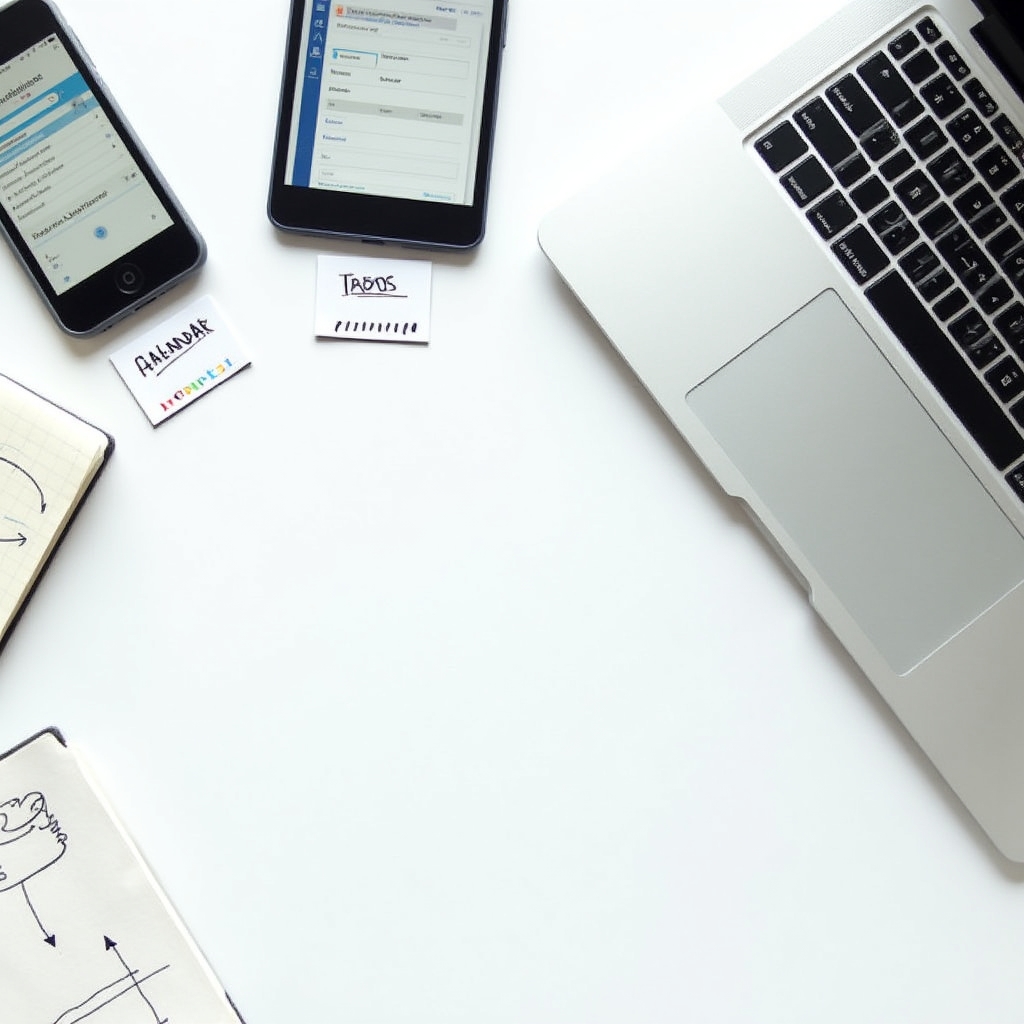
Visual diagram showing how free digital tools connect together into a complete small business administrative system